Inside the Wrenwickle Information System
An honest account of what Wrenwickle provides, how its interface is arranged, and what users should understand before requesting access.
What the System Is and What It Is Not
Wrenwickle is an information-organisation system. Its primary function is to receive, classify, and present information in a structured format that is easier to navigate than raw, unsorted material. It is not a general search engine, a social platform, or a transactional service.
The system is intended for users who need to work with organised records — whether that means reviewing what has been submitted, examining categorised observations, or understanding how a particular set of information has been arranged.
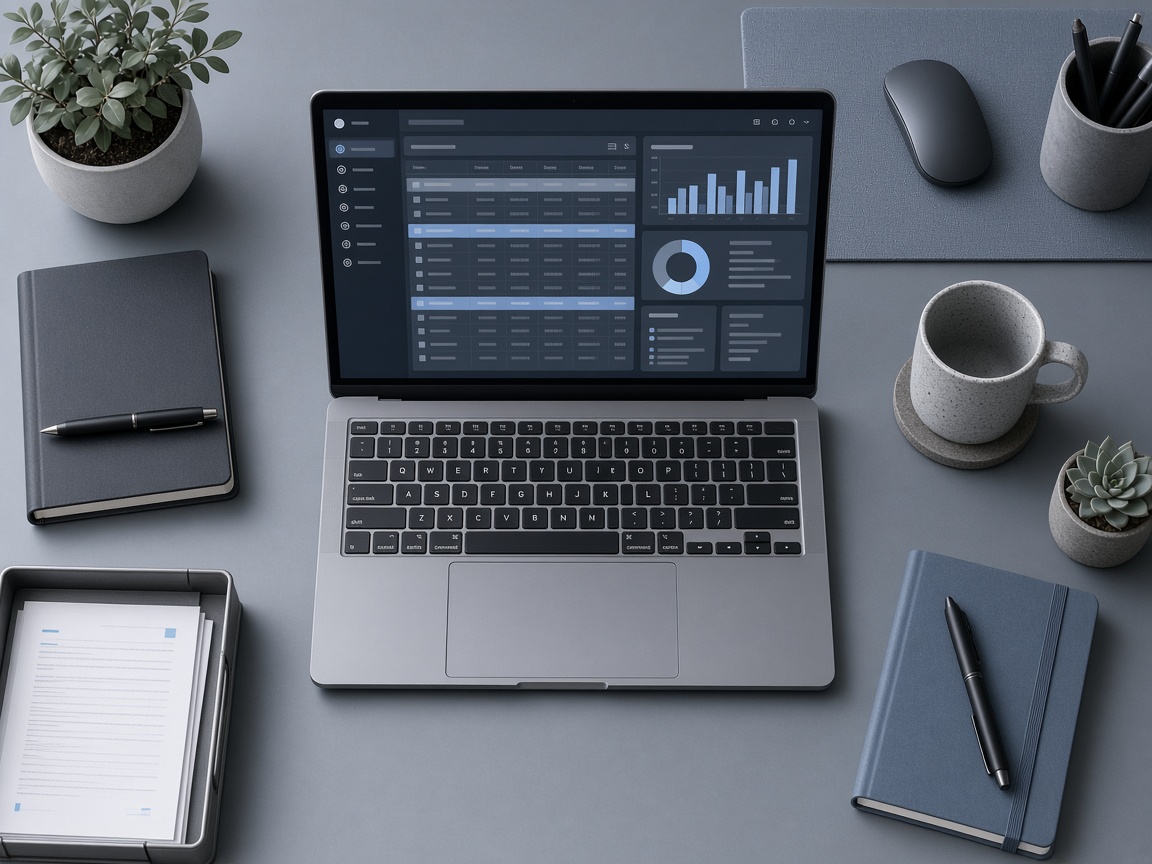
The Wrenwickle interface is the user-facing layer through which classified records are accessed. It does not modify the underlying records. It presents them in a coherent order and allows users to filter, navigate, and review them according to the system's classification scheme.
How the System Presents Information
The user-facing interface is organised into distinct areas, each with a specific role in the information review process.
Category Navigation
The left-hand panel of the interface presents the classification tree — a hierarchical arrangement of all categories currently in use. Users can expand and collapse branches to navigate between broad topic areas and more specific sub-categories.
This navigation is generated dynamically from the records currently held by the system. Categories that contain no records are not shown.
Record View
The main panel displays individual records or groups of records belonging to the selected category. Each record shows its classification label, submission date, and a summary of its content.
Users can open a record to view its full detail. The system does not allow modification of records through the review interface.
Filtering and Sorting
A toolbar above the record view provides controls for filtering by date range, record type, or keyword. Sorting options include alphabetical order, date of submission, and classification confidence score.
These tools are intended to help users narrow a large set of records to the most relevant subset.
Summary Panels
Summary panels appear at the category level and provide an at-a-glance view of how many records belong to a given category, when the most recent record was classified, and whether any sub-categories exist.
These panels do not constitute a verified analysis. They reflect the current state of the classification process as applied to the available records.
Distinguishing What Is Presented from What Is Verified
Does the system verify the accuracy of the information it classifies?
No. Wrenwickle classifies information according to its structure and content, but it does not independently verify whether the information is accurate, complete, or up to date. Users are responsible for evaluating the reliability of individual records in the context of their own use.
What types of information does the system handle?
The system is designed for textual records and structured data. It is not optimised for audio, video, or large binary file types. Supported input formats are confirmed during the access-request process.
Can users modify the classification scheme?
The classification scheme is maintained by the Wrenwickle team. Users cannot alter the scheme directly through the review interface. Requests to adjust or extend the scheme can be raised through the support channel.
Is the system available continuously?
The platform operates on a best-efforts basis. We do not publish specific uptime commitments on this informational site. Actual availability is described in the service documentation provided upon access.
What happens to records that cannot be classified?
Records that the classification engine is unable to assign to any existing category are placed in an unclassified queue. Users with access to this queue can review these items and, if appropriate, raise a support request to have a new category defined.
What to Consider Before Requesting Access
Access to Wrenwickle is available through an enquiry process. The following points may help you prepare your request.
Intended Use
Consider how you intend to use the system and what type of records you expect to work with. This helps the support team direct your request to the appropriate configuration of the interface.
User Level
The system offers different levels of access depending on the nature of the request. Describe your role and the scope of access you need in your enquiry message.
Review Timeline
Access enquiries are reviewed in the order received. We cannot confirm a specific review timeline in advance. If you have a time-sensitive need, mention it in your message and we will do our best to accommodate it.